
The shop app
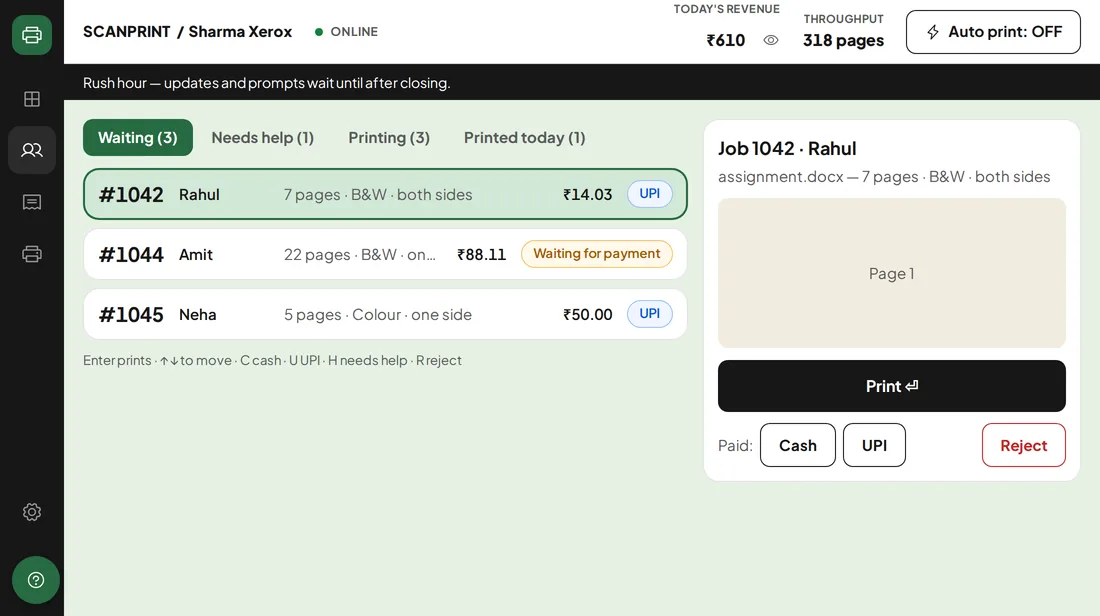
Every job arrives on the shop PC with a number, pages and price. Print with Enter.
For print & xerox shops
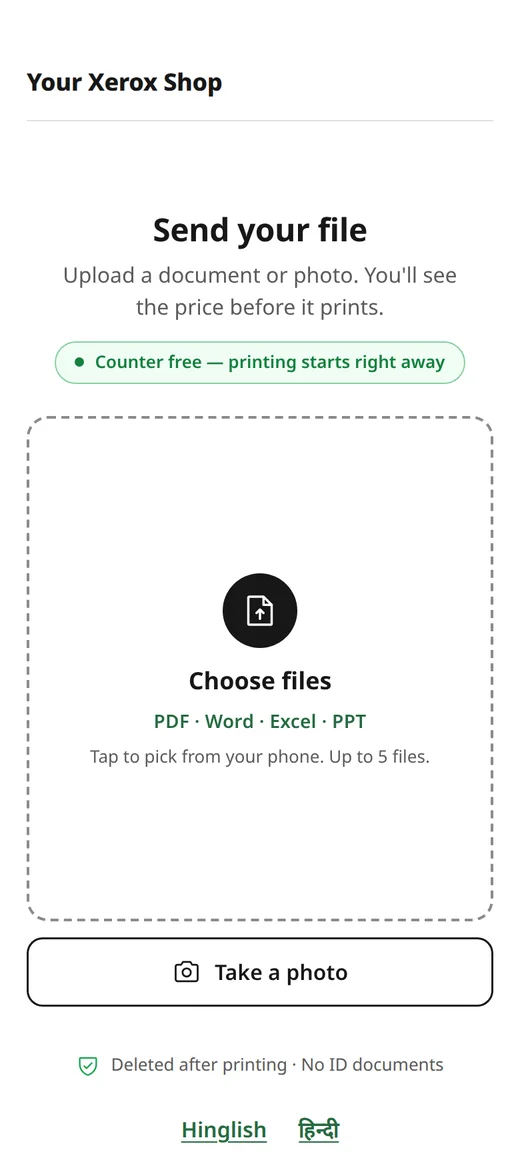
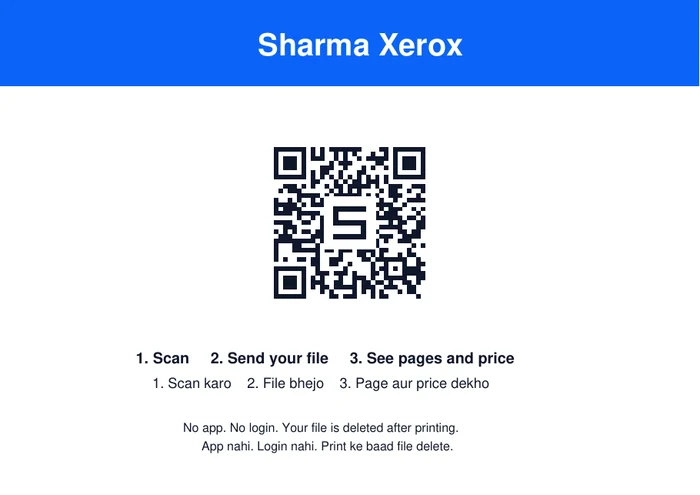
One QR code on your counter. Students scan it, upload, see the price and pay your UPI — the job appears on your shop PC with a number. No WhatsApp chaos, no pen drives, no crowd at the counter.
Your money stays yours. Students pay straight to your shop's own UPI — ScanPrint never holds the money.
What you get
One QR code for students, one app for you. Made for the exam rush at a college xerox shop.
Every job arrives on the shop PC with a number, pages and price. Print with Enter.
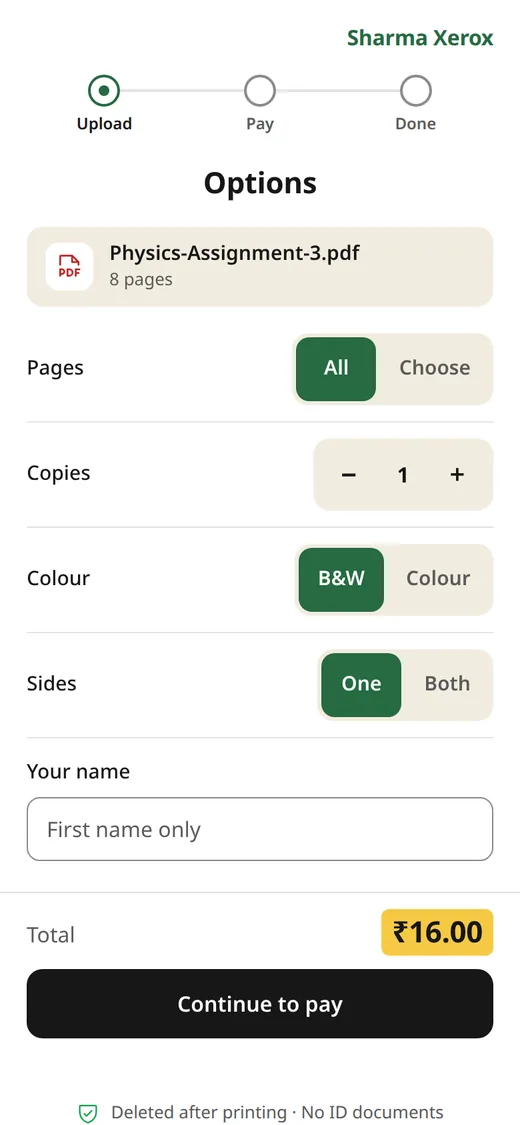
No app and no login. They choose pages, copies, colour and sides, and see the exact price before paying.
For your shop's Windows 10 or 11 PC. Self-contained — nothing else to install first.
Download
Oldest first, one at a time. Any printer problem pauses it until you say go.

Every payment QR and link carries your own UPI ID. Cash still works too.

And in any case within 3 hours. Nobody reads what is inside a file.
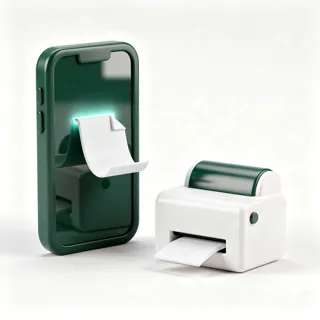
Black & white and colour, both sides, on the Windows PC you already have.
ScanPrint takes the file, counts the pages, shows the price, and puts the paid job in your queue — the money goes straight to your UPI.
Set up alone, in minutes
Everything is done by you, in the app, in a few minutes. No visit, no call, no waiting for us.
Get started free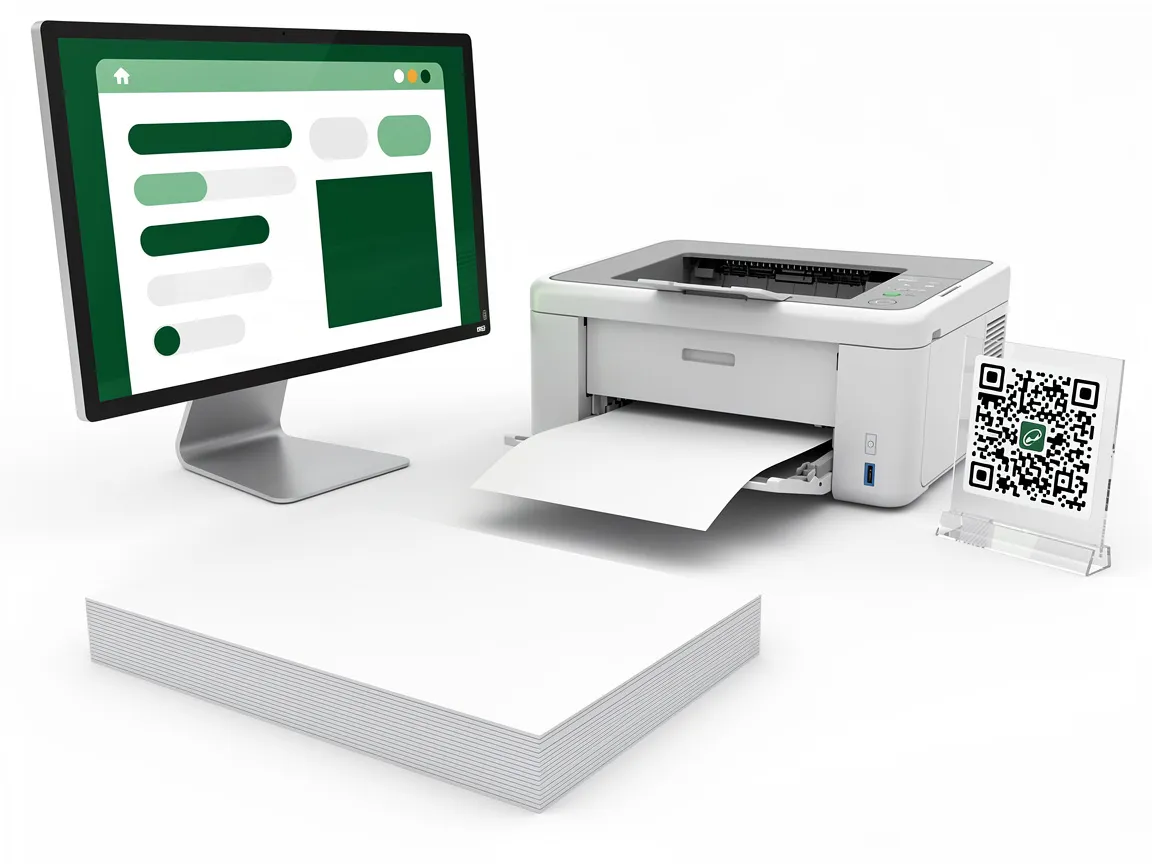
1/3
Download the Windows app and sign in with your shop's phone number and a one-time code.
2/3
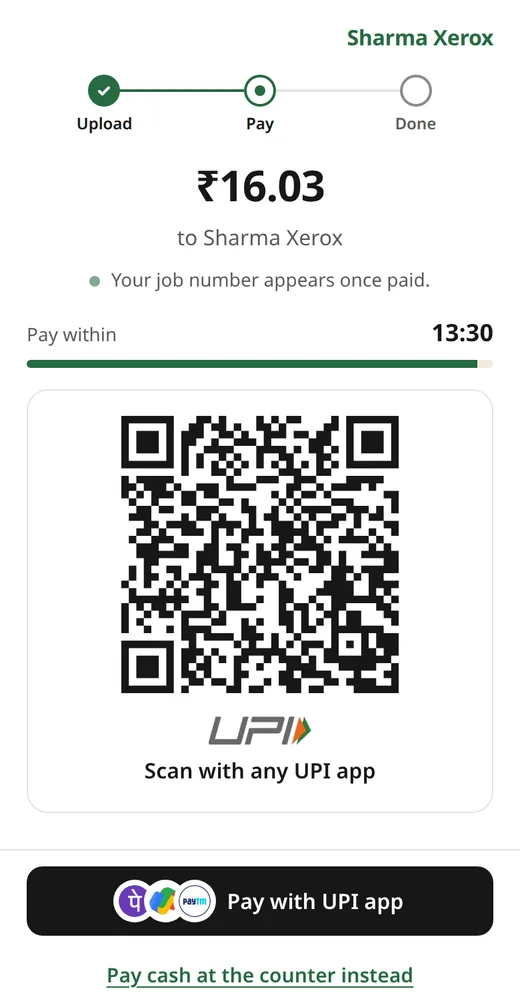
Type your own UPI ID, choose your printer and print a test page. Students will pay that UPI — never us.
3/3
Print your stand, fold it once and put it on the counter. The code never changes.
How it works
Nothing for students to install, and nothing new for you to learn.
01
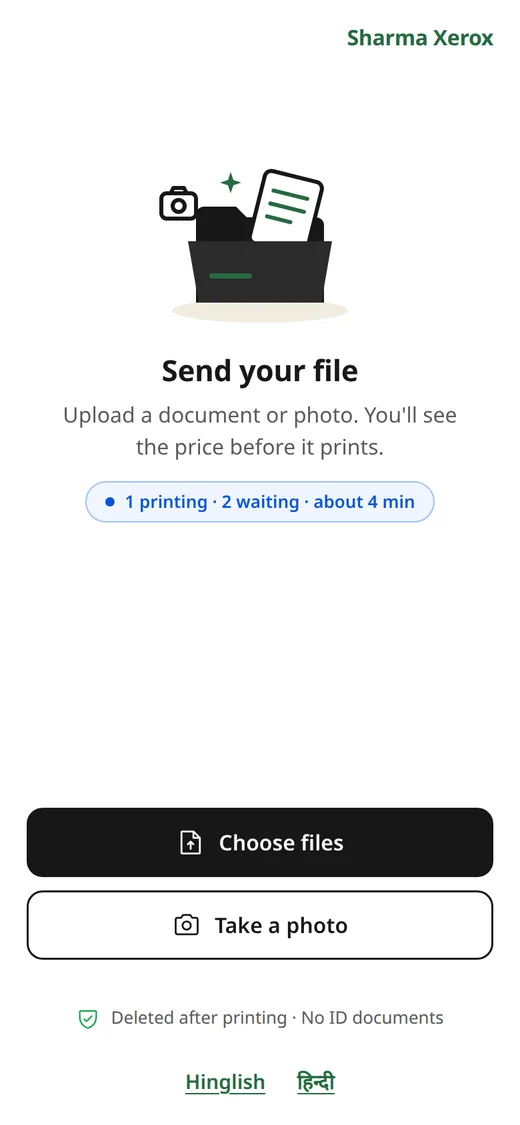
Your shop's page opens in the phone's browser. No app, no login.
02
PDF, Word or photos. Pages, copies, colour, sides — and the exact price.
03
One QR, or one tap in PhonePe, Paytm or GPay. Or cash at the counter.
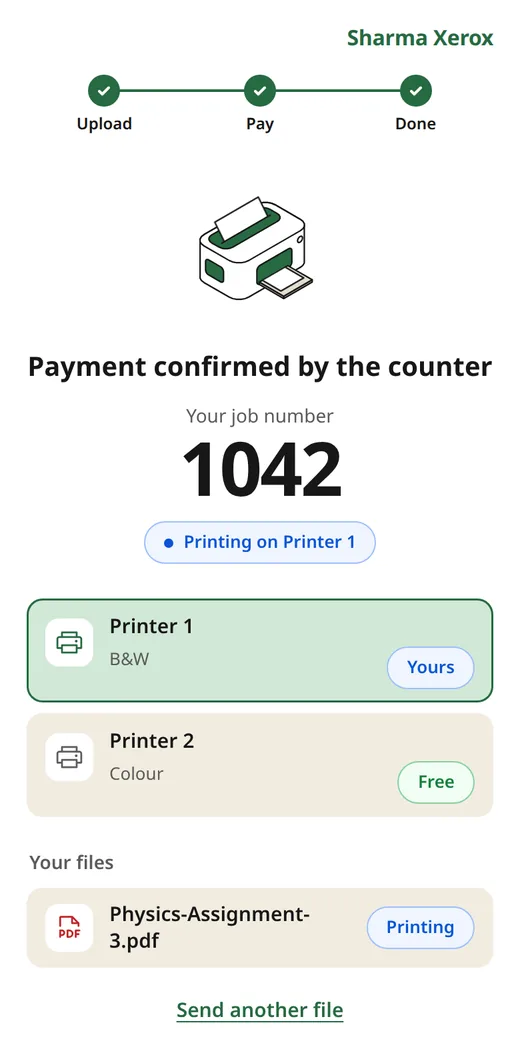
04
It prints on your printer. The student sees when it's their turn.
Your money stays yours
Every payment QR and link carries your own UPI ID. ScanPrint never receives, holds or forwards a single rupee of it.

 PhonePe
 Paytm
Paytm
 Google Pay
Simple pricing
Every plan has every feature, auto print included. Start with a 7-day free trial with no page limit. Printing never stops.
₹0 / month₹0 / year
Free for good
300 pages a month
Start free₹399 / month₹3,999 / year
or ₹3,999 a year — save ₹789
₹789 less than paying monthly — about ₹333 a month
5,000 pages a month
Choose Basic₹799 / month₹7,999 / year
or ₹7,999 a year — save ₹1,589
₹1,589 less than paying monthly — about ₹667 a month
No page limit
Choose UnlimitedA page is a printed page in the calendar month: a 10-page file printed twice is 20. Go over, and the app asks you to upgrade — the printer never stops.
Buy or renew on this website with your shop's phone number. An invoice comes with every payment.
Auto print works today: you confirm each UPI payment with one tap and the job prints. Automatic UPI confirmation is coming soon — it is built and waiting for its first test with a real Paytm account.
Questions
Straight answers about your money, the students' files and your printer.
No. Students pay your own UPI ID, and cash is paid to you at the counter. ScanPrint never receives, holds or forwards a student's payment. The only thing you pay us is the plan.
No. ScanPrint runs on your shop's Windows 10 or 11 PC and prints on the printers you already use — black & white and colour.
They are deleted as soon as they are printed — and in any case within 3 hours, or at closing time. Nothing is kept afterwards.
Printing never stops. The app reminds you to renew, and you renew here on the website in a minute.
Jobs already on your PC keep printing. Students are told the counter is offline until your internet is back, so nobody pays for a job that cannot arrive.
Set it up yourself in minutes. No visit, no call needed.